
Sports Academy CRM:
How to Turn Enquiries, Trials and Follow-Ups Into Enrollments

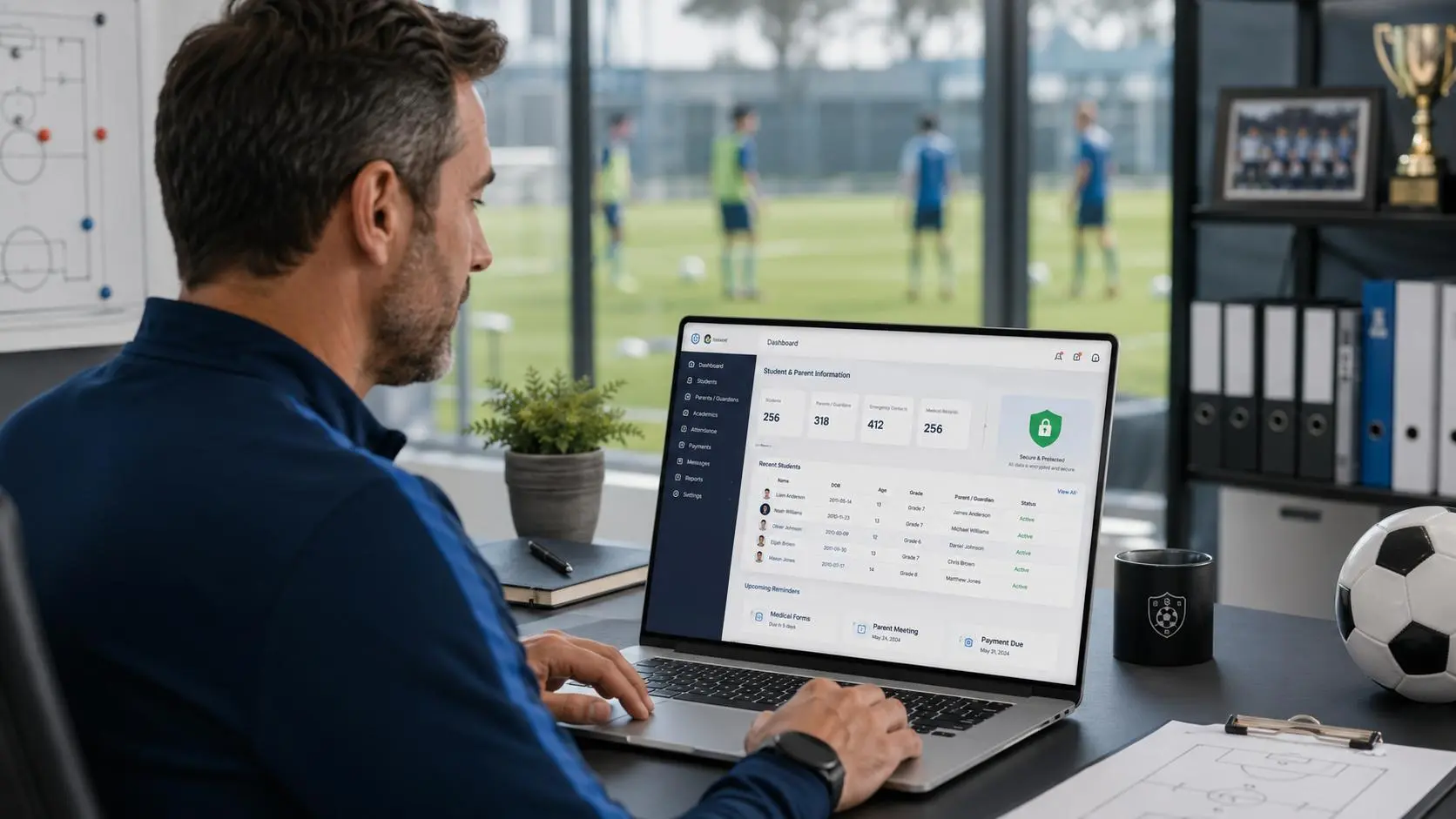
A sports academy CRM is a system that records every enquiry, assigns it to a named staff member, moves each family through defined stages from first contact to enrollment, and shows where families drop off. In practice it answers three questions: who is handling this family, what happens next and by when, and how many enquiries become trials and paying students?
Most academies don’t have a lead shortage. They have a tracking gap between “interested” and “enrolled.” This guide covers the system behind that gap: pipeline stages, lead data, ownership, follow-up timing and the conversion numbers worth reviewing. For the full parent journey, including the trial experience and the first 30 days, see our sports academy enrollment process guide.
What Is a Sports Academy CRM?
CRM stands for customer relationship management. In an academy, the relationship starts at the first enquiry, not at registration. A CRM keeps family details, communication history, trial bookings, staff ownership, lead source and outcome in one record, so any staff member can see where a family stands.
CRM vs spreadsheets, WhatsApp lists, and notebooks
Manual tools work at low volume. They fail in predictable ways:
- A lead has no owner, so two people reply or nobody does.
- Follow-ups depend on memory, so they slip during busy weeks or when someone is away.
- Conversation history lives on one person’s phone.
- Nothing can be counted, so you can’t say how many enquiries became trials last month.
A disciplined spreadsheet can fix some of this. A CRM’s advantage is that it makes the habit hard to skip: every lead has a status, an owner and a next action.
What information should a sports academy CRM track?
- Family: guardian name, preferred contact channel, child’s name and age
- Enquiry: sport, level, preferred batch or location, source, date received
- Trial: date, coach, attendance, coach observations
- Outcome: stage, owner, next-action date, and enrolled or lost with a reason
Collect only what you need, and check the data-protection rules for children’s information where you operate.
Build a CRM Pipeline That Tracks Every Enquiry
A pipeline is the sequence of stages a lead moves through. Rename the stages to suit your academy; what matters is that each one has an owner and a clear exit.
The essential CRM pipeline stages
A pipeline is the sequence of stages a lead moves through. Rename the stages to suit your academy; what matters is that each one has an owner and a clear exit.
Stage | What it means | Record | Owner | Next action | Risk if unmanaged |
New enquiry | Enquiry received, not yet qualified | Name, child’s age, sport, source | Front desk | Reply and qualify | Slow reply |
Contacted | First personal reply sent | Reply time, owner | Admissions | Qualify, offer a trial | Generic reply |
Qualified | Fit and availability confirmed | Level, goals, batch, location | Admissions | Book a trial | Wrong batch or expectations |
Trial booked | Date and coach confirmed | Date, coach, batch, reminders sent | Admissions | Send pre-trial details | Missing details |
Trial attended | Child took part | Attendance, coach notes | Coach / front desk | Same-day feedback | Nobody owns the next step |
Trial no-show | Booked but did not attend | Reason, rebooking offer | Admissions | Same-day recovery message | No recovery routine |
Follow-up | Post-trial conversation open | Feedback, objection, plan interest | Admissions / coach | Present enrollment options | Generic follow-up |
Enrolled | Registered and paid | Plan, start date, payment status | Admissions / admin | Welcome and handoff | Complicated sign-up |
Lost / nurture | Not now, or not a fit | Reason, revisit date | Admissions | Nurture or close | No reason, so no learning |
Three rules keep the pipeline honest:
- One stage at a time. A lead is in exactly one stage.
- A next-action date on every open lead. Leads without one are where enquiries disappear.
- A reason on every lost lead. Choose from a short list rather than free text so you can count them.
Lead information and qualification fields
Qualification questions such as age, level, goals and availability are covered in the enrollment guide. The CRM question is where each answer lives. Here is a fictional example record:
Field | Example entry | Why it matters |
Source | Instagram message | Source reporting |
Child | Age 9, beginner | Batch placement |
Sport / batch | Cricket, weekday evening | Trial scheduling |
Parent’s goal | Fitness and fun | Personal follow-up |
Owner | Admissions staff member | Accountability |
Stage | Qualified | Pipeline reporting |
Next action | Book trial by Friday | Prevents stalls |
Use dropdowns for source, stage and lost reason. Keep free text for notes.
Assigning responsibility at every stage
Role | Owns | Checks weekly |
Front desk | Logging every enquiry, first acknowledgment | Unassigned leads |
Admissions | Qualification, trials, follow-up, outcomes | Overdue next actions |
Coach | Trial notes soon after each session | Missing notes |
Owner or manager | Targets and bottlenecks | Funnel rates, lost reasons |
In a small academy one person may hold several roles. What matters is a named owner per lead, a backup for absences, and a daily check for unclaimed leads.
Capture Enquiries From Every Channel
Website, phone, social media, walk-ins, and referrals
Use one intake standard: every enquiry, whatever the channel, gets the same core fields, a source tag and an owner. Tools differ in which channels they capture automatically, so check yours. For the rest, make logging manual and same-day. The front desk adds a walk-in before the family leaves, and whoever answers a call or direct message logs it that day.
Why lead-source tracking matters
Enquiry counts flatter some channels. This fictional example uses the same 100 enquiries as the metrics section below:
Source | Enquiries | Trials attended | Enrolled | Enquiry-to-enrollment |
40 | 8 | 2 | 5% | |
Referral | 15 | 10 | 6 | 40% |
Walk-in | 25 | 12 | 6 | 24% |
Website form | 20 | 6 | 4 | 20% |
Total | 100 | 36 | 18 | 18% |
Instagram brings the most enquiries here but converts the fewest. Referrals bring fewer but convert strongly. Without source tags and outcomes, you would only see the first column. Use fixed source values so “insta” and “IG” don’t split your report. With small numbers, look across several months before drawing conclusions.
Manage Trial Bookings, Attendance, and No-Shows
What to record before a trial
The booking should be complete enough that the coach never has to ask basic questions at the gate. Record the date, time and location; the assigned coach and batch; the child’s age, level and any health or safety notes; what the parent hopes to see; and which confirmations have been sent. Move a lead to “Trial booked” only when the family has confirmed, not when you have merely offered a slot.
Recommended reminder and rescheduling workflows
A common pattern is a confirmation at booking, a reminder the day before and a short message on the day. Log them, whoever sends them.
For no-shows, change the stage to “Trial no-show” the same day and send a friendly rebooking message. Set a limit, such as two reschedule offers, before moving the family to nurture. Record the reason when you learn it. Repeated “forgot” points to reminders; “wrong day” points to your confirmation wording.
Create a Consistent Post-Trial Follow-Up Process
Recording coach feedback and parent questions
Follow-up feels personal only if the coach’s observations reach the person writing it. Ask the coach to log, soon after the session, a few short fields: engagement level, one strength, one area to develop, recommended batch and any parent questions.
A practical follow-up schedule
This is a recommendation, not a universal rule. Adapt it to your operating hours, enquiry volume and parent preferences.
Touch | Suggested timing | Owner | Purpose | Exit condition |
Acknowledgment | Promptly | Front desk or assigned staff member | Confirm receipt | Acknowledgment sent |
Personal reply | Within a few business hours; same business day at the latest | Admissions | Qualify, offer a trial | Trial booked or declined |
Pre-trial reminder | Day before | Admissions / system | Time, place, what to bring | Attended or rescheduled |
Trial-day reminder | A few hours before | Admissions / system | Reduce no-shows | Attended |
Post-trial follow-up | Same day or within 24 hours | Coach / admissions | Specific feedback, next step | Enrollment, objection or clear no |
Second follow-up | 2–3 days later | Admissions | Address the objection, share details | Response or lost |
Final check-in | Around day 7 | Admissions | Mention a future batch | Nurture or lost |
A practical follow-up schedule can help sports academies stay connected with parents without overwhelming them. Acknowledge new enquiries promptly, follow up after trial sessions, and send additional reminders when necessary. Adjust the timing to suit your academy’s operating hours and each family’s responses.
Reference the actual session. “Aarav stayed focused through the footwork drills and would suit our Tuesday and Thursday batch” works better than “Thanks for visiting.” For broader tone and channel advice, see our parent communication guide.
Handling common enrollment objections
- Price: explain what the fee covers and which plans exist. Don’t discount by reflex.
- Schedule: offer another batch or a later start.
- Child readiness: share the coach’s honest observations and a suggested path.
- Distance: confirm whether a closer location or batch exists.
- Coach or group fit: offer a second trial in a different batch.
Log each objection from a fixed list: price, schedule, distance, child not ready or not keen, chose another academy, no response, not a fit. After a few months the counts show whether you have a pricing problem, a timetable problem or a follow-up problem.
CRM Metrics Every Sports Academy Should Track
Track each stage separately, because one overall rate hides where the problem is. Count enquiries by the month they arrived and follow them to an outcome, since an August enquiry may enroll in September.
Enquiry-to-trial booking rate
Trial bookings ÷ Qualified enquiries × 100
Trial attendance rate
Trials attended ÷ Trials booked × 100
Trial-to-enrollment conversion rate
Enrollments from attended trials ÷ Trials attended × 100
Overall enquiry-to-enrollment rate
Enrollments ÷ Total enquiries × 100
If some families enroll without a trial, include them here but not in the trial-to-enrollment rate.
Average first-response time
Total time taken to respond to enquiries ÷ Number of enquiries responded to
This counts only enquiries that got a reply, so also track how many are still unanswered. Measure in clock time or business hours, consistently. Example: five enquiries answered in 10, 30, 45, 120 and 295 minutes total 500 minutes, so the average is 100 minutes. The median is 45, which shows how one late reply skews an average.
Illustrative example
These figures are illustrative only. They are not SportStr customer data or industry benchmarks.
An academy has 100 enquiries, 80 qualified enquiries, 48 trial bookings, 36 attended trials and 18 enrollments from attended trials.
Metric | Calculation | Result |
Enquiry-to-trial booking rate | 48 ÷ 80 × 100 | 60% |
Trial attendance rate | 36 ÷ 48 × 100 | 75% |
Trial-to-enrollment rate | 18 ÷ 36 × 100 | 50% |
Enquiry-to-enrollment rate | 18 ÷ 100 × 100 | 18% |
The first rate uses qualified enquiries as its base and the last uses all enquiries, so they are not directly comparable.
How to Identify Where Potential Enrollments Are Being Lost
Using the same example, here is where the 82 families who didn’t enroll dropped out:
- 20 were never qualified (100 to 80)
- 32 qualified families never booked a trial (80 to 48), a 40% loss at that step
- 12 booked but didn’t attend (48 to 36), a 25% loss
- 18 attended but didn’t enroll (36 to 18), a 50% loss
The largest number is the 32 who never booked, but the highest rate of loss is after the trial. Check the logged reasons before deciding which to fix first. Then match the symptom to a likely cause:
Symptom | Check first |
Many enquiries, few trials | Reply time, qualification quality, availability of trial slots |
Trials booked, many no-shows | Confirmation and reminder log, directions, rescheduling |
Trials attended, few enrollments | Coach notes, follow-up timing, pricing clarity |
Enrolled, then early drop-off | Welcome, first sessions, attendance (see student retention) |
Good conversion, unclear source | Source tagging |
A ten-minute weekly review is enough. Look at open leads with no next-action date, trials this week that aren’t confirmed, last week’s trials with no follow-up logged, lost leads with no reason, average first-response time, and rates by source. For enquiry spikes at season start, see our guide to a registration surge.
Does a Small Sports Academy Need a CRM?
Not necessarily. Try this test: can you answer, without scrolling through chats, how many enquiries arrived last month, which open leads have an owner and a next action today, and how many booked trials turned up? If so, your current method works. If not, or if enquiries arrive through three or more channels or more than one person handles admissions, a CRM is worth evaluating. Define the pipeline first. Software then makes it consistent.
How SportStr Can Support Sports Academy Operations
SportStr is a sports academy management platform. Its CRM page describes a single pipeline for enquiries, trials and active students. It says you can log enquiries that arrive by walk-in, phone or website form and assign follow-up tasks; book, track and follow up on trial sessions from the pipeline view, with automated reminders to trial students; convert a trial to a full enrollment in one click; and keep student profiles with attendance, payment history and coach notes. Its growth analytics cover monthly enrollments, churn rate, lifetime value and sport-wise retention. Confirm current features on the page or in a demo.
Frequently Asked Questions
What is a sports academy CRM?
A system that captures enquiries, assigns ownership, tracks trials and records outcomes, so you can see how many leads become enrolled students and where the rest drop off
How quickly should a sports academy respond to an enquiry?
Acknowledge promptly and aim for a personal reply within a few business hours, same business day at the latest. Set a target your staffing can meet, then measure it.
What stages should a sports academy CRM pipeline include?
A practical start is New Enquiry, Contacted, Qualified, Trial Booked, Trial Attended or No-Show, Follow-Up, then Enrolled, Lost or Nurture. Adjust the names to your process.
How do you calculate trial-to-enrollment conversion?
Divide enrollments from attended trials by trials attended, then multiply by 100. If 36 children attend and 18 enroll, the rate is 50%.
How many times should an academy follow up after a trial?
A reasonable starting point is three touches: within 24 hours, around day 2–3, and a final check-in near day 7. Stop when the family enrolls or clearly declines.
Does a small sports academy need CRM software?
Not always. If you can answer the three questions in the section above without searching chats, manual tracking may be enough.
Conclusion
Converting enquiries into enrollments depends on a defined pipeline, a named owner for every lead, timely follow-up and a few numbers reviewed weekly. Set those up first, then use a CRM to keep them consistent. To see how SportStr approaches this, visit the sports academy CRM page.